
The move toward self-hosted infrastructure is not limited to application hosting, databases, or observability tools. Source code management and continuous integration servers are also becoming part of the discussion. For many teams, the hosted versions of GitHub or GitLab are convenient defaults, but they also centralize source code, issue tracking, release workflows, and sometimes CI/CD pipelines on platforms outside the team's direct control.
Forgejo, a lightweight self-hosted software, provides Git repository hosting, issue tracking, pull requests, package hosting, and CI/CD features. It started as a fork of Gitea and has since become an independent project with its own governance, release process, and technical direction. For organizations that want a practical alternative to large commercial developer platforms, Forgejo offers a familiar workflow without requiring a large operational footprint.
Forgejo project information
Name: Forgejo
URL: https://forgejo.org/
License: GPLv3+
Documentation: https://forgejo.org/docs/
Initial Fork: December 2022
Latest Major Release: Forgejo 15.0, released 16 April 2026
Managed Public Instance: https://codeberg.org
A Lightweight Software Forge
Forgejo provides the core features most development teams expect from a Git platform: Users can create repositories, manage branches, review changes through pull requests, track issues, publish releases, and collaborate through a web interface. The user experience will feel familiar to anyone who has used Gitea, GitHub, or GitLab before.
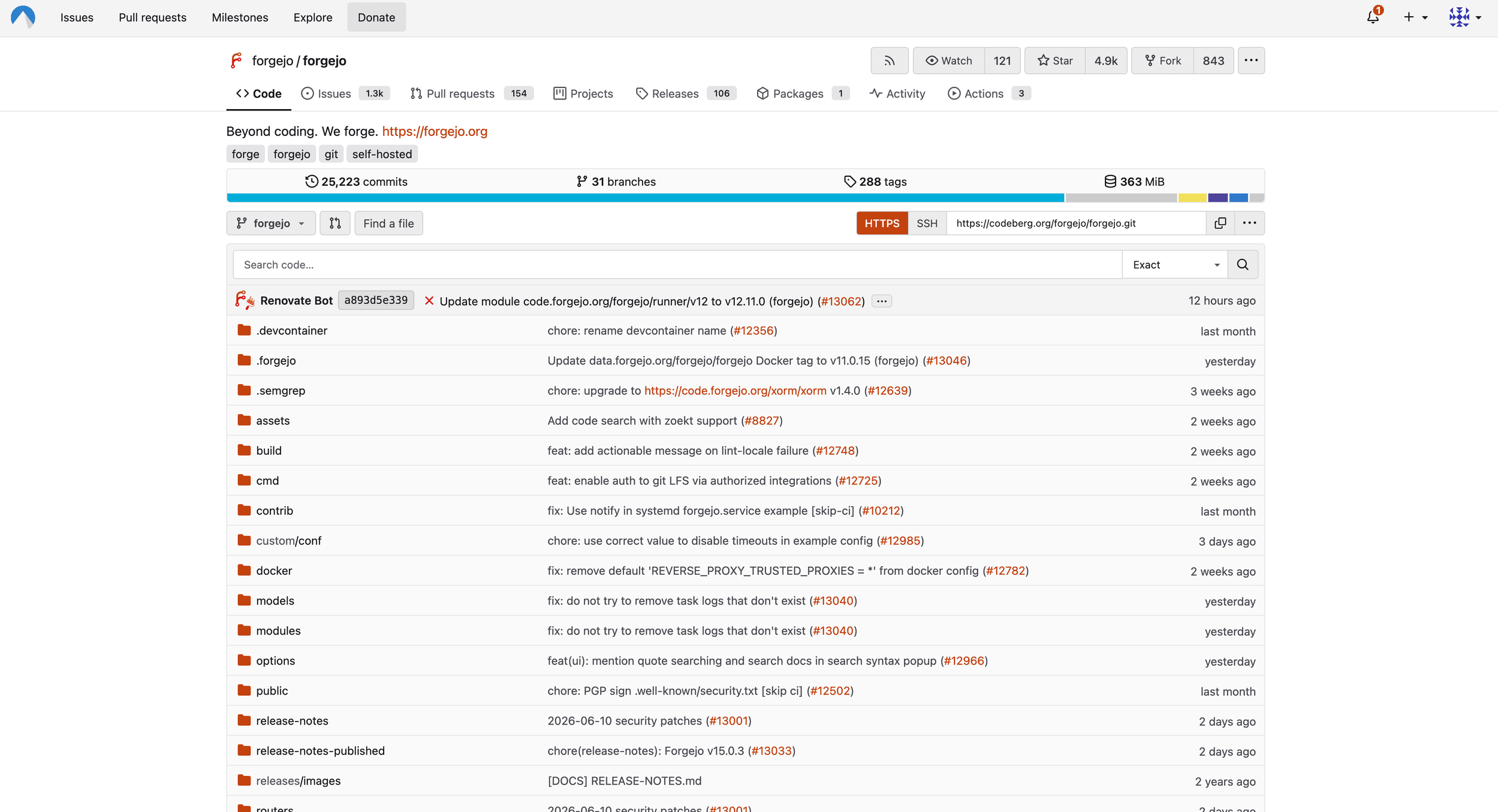
The biggest difference is the operational model. Forgejo is designed to be installed on your own infrastructure and maintained by your own team. Written in Go, it can be deployed as a binary, container, or package depending on the target system. For smaller teams, communities, agencies, or internal development groups, this makes Forgejo attractive because it does not require the same amount of hardware or administrative effort as a full GitLab installation. You can download a single application binary. After starting it, you fill out the initial setup form in the web interface to get Forgejo fully up and running – a process that takes under a minute to perform.
This lightweight approach is one of Forgejo's strongest arguments. It is not trying to be an all-in-one DevSecOps platform with every possible enterprise feature. Instead, it focuses on being a practical forge: source code, collaboration, automation, and project management in one place.
Why Forgejo Forked from Gitea
Forgejo is closely connected to Gitea's history. It began as a community fork after disagreements around Gitea's governance and project control. In its early phase, Forgejo stayed very close to Gitea and synchronized many changes from upstream. In 2024, however, the project decided to become a hard fork. While Forgejo's roots in Gitea are still visible all over the code and configuration parameters, with many variables still carrying the name gitea, Forgejo is no longer just a downstream variant of Gitea but an independent project with its own roadmap.
For technical users, this matters because the two projects may become less compatible over time. Existing Gitea users should not assume that future migration paths will always be easy, especially from newer Gitea versions. Anyone planning a migration should read the current Forgejo migration documentation carefully, create a full backup, and test the upgrade path before touching production data.
The governance aspect is just as important. Forgejo's domains are held by Codeberg e.V., a democratic nonprofit association focused on free software. This gives Forgejo a different character from vendor-controlled platforms and is one of the main reasons many users see it as a community-owned alternative. Observation shows that more and more users are transitioning from Gitea to Forgejo.

Install Forgejo on Hetzner Cloud
Read our step-by-step guide and learn how to install and configure Forgejo with Docker on a cloud server with Debian 13.
Built-In Collaboration and Automation
Forgejo supports the day-to-day workflows needed for software development. Repositories can be public or private, access can be managed through users, organizations, and teams, and projects can use issues, labels, milestones, and pull requests to coordinate work.
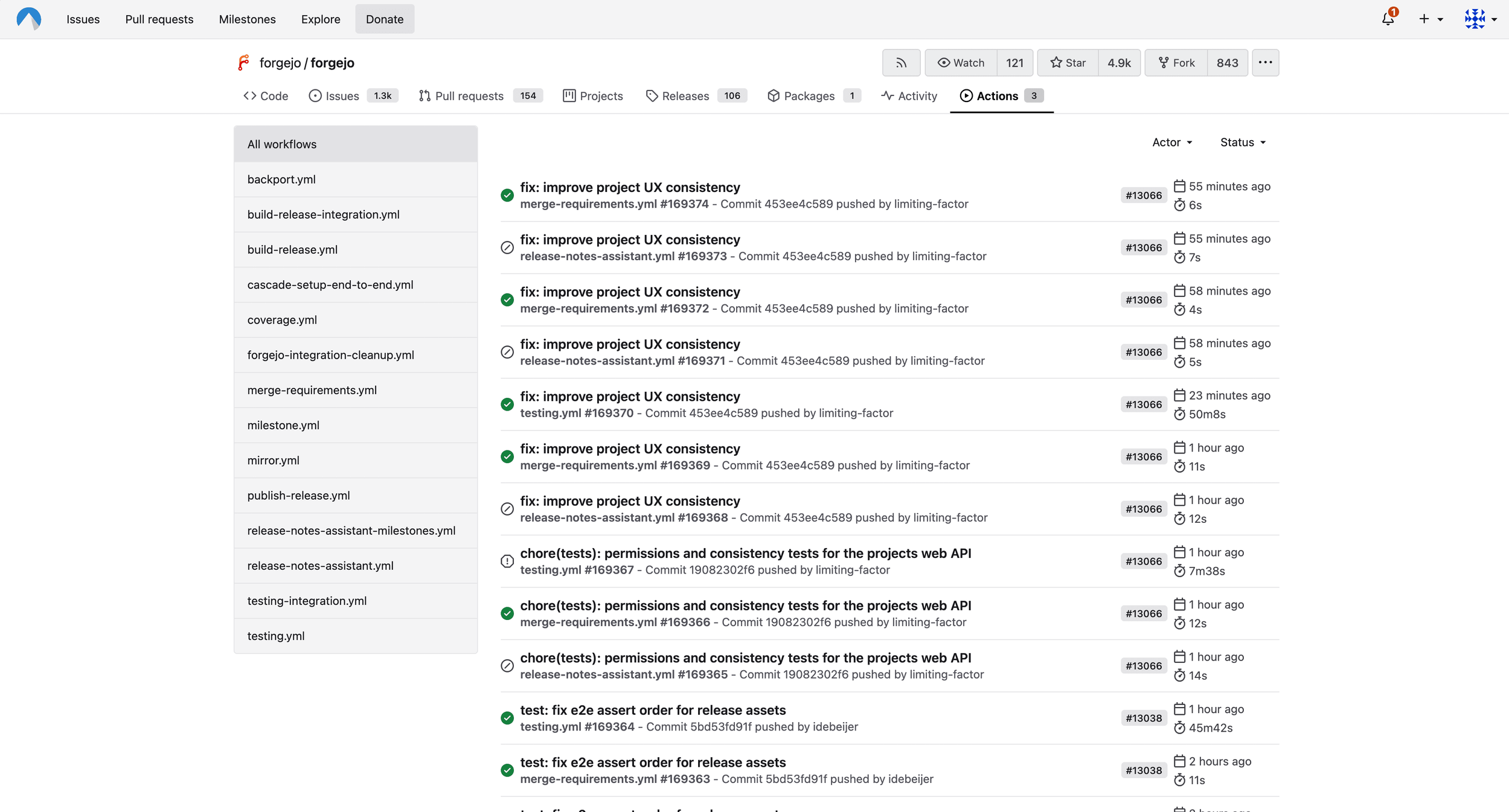
Forgejo also includes Forgejo Actions, a workflow automation system similar in concept to GitHub Actions (in fact, many GitHub Actions workflows can be reused with only minor adaptation). Workflows are defined in repository files and executed by runners. These runners can use container engines such as Docker or Podman, which makes them suitable for common CI/CD tasks like running tests, building container images, or publishing packages.
While powerful, Forgejo Actions also introduces operational responsibility. With a hosted CI/CD platform, much of the runner lifecycle is hidden. With Forgejo Actions, your team has to maintain runners, isolate workloads, monitor failures, and think about secrets, permissions, and network access. For internal projects and trusted teams, this can work very well. For public or untrusted workloads, runner isolation should be planned carefully.
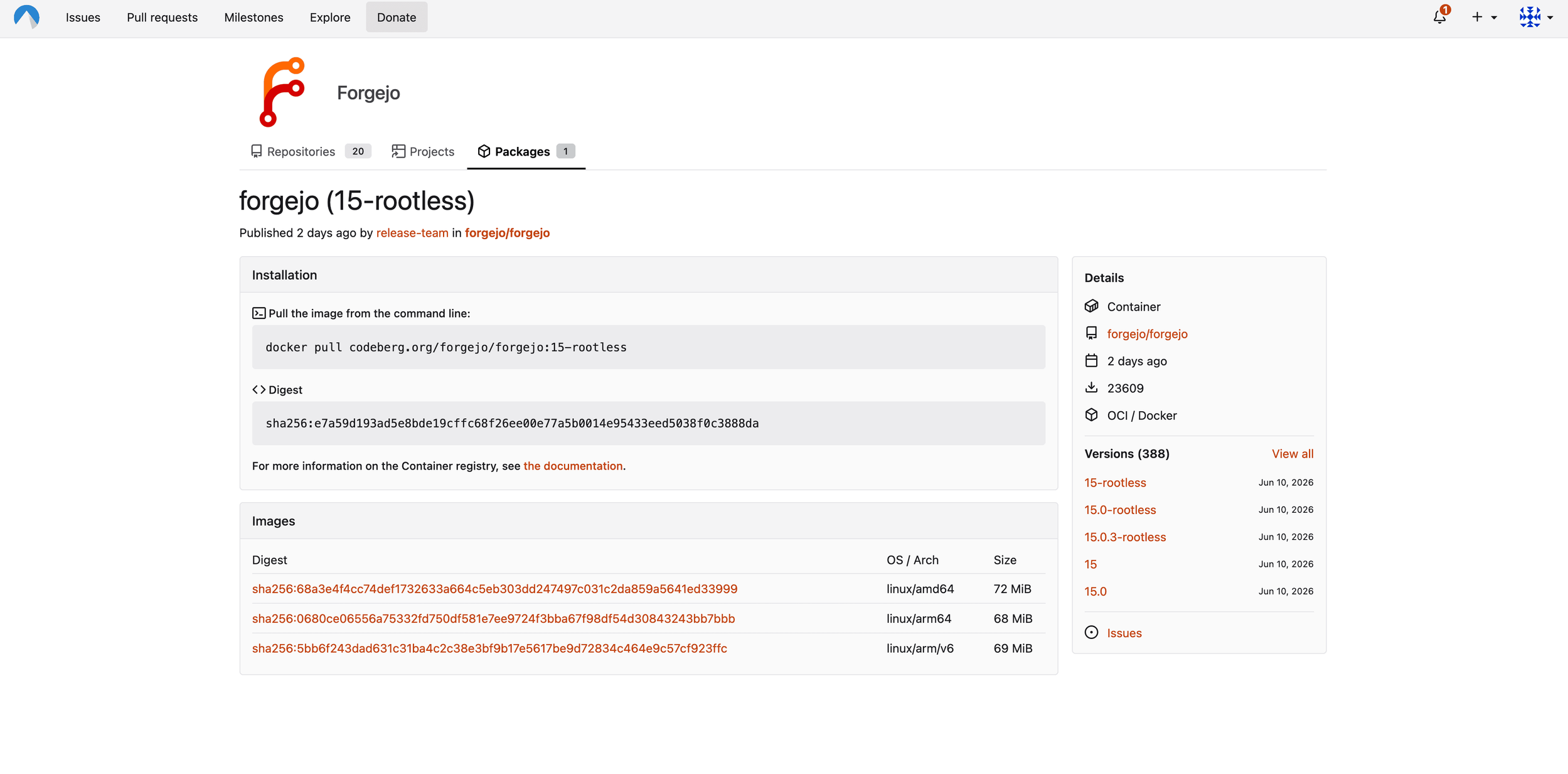
Forgejo also provides package registry functionality, which can be useful when teams want to keep source code, releases, and artifacts close together. Instead of relying on multiple external services, a team can run a Forgejo instance as a central hub for its development workflow.
Self-Hosting and Operations
Forgejo is relatively easy to install, but it is still a production service that stores critical data. A Forgejo server should be treated as part of the core infrastructure. Availability, backups, database maintenance, storage planning, monitoring, and upgrade procedures should all be part of a team's setup.
For small teams, a single virtual machine with Forgejo, a supported database, and external backups may be sufficient. Larger teams may want to separate the database, object storage, runners, and reverse proxy. The right architecture depends on the number of repositories, users, CI jobs, and package artifacts.
Administrators should also pay attention to email configuration, SSH access, HTTPS certificates, and authentication. Forgejo can be simple to operate, but source code platforms are sensitive by nature. A misconfigured instance can expose private repositories, leak secrets through CI logs, or become unavailable at exactly the wrong moment.
Review & Outlook
Forgejo is a strong option for teams that want self-hosted Git collaboration without running a heavyweight platform. It offers the features most small and mid-sized teams need, has an active community, and follows a governance model that is clearly different from commercial developer platforms.
Its biggest strengths are simplicity, low resource usage, community ownership, and a familiar developer experience. The main tradeoff of using Forgejo is that enterprise-grade features may be less extensive than in larger platforms. One example is the Projects feature, which is still very rudimentary compared to GitHub or GitLab.
Forgejo is a perfect fit for startups, agencies, open source communities, or research groups that want control over their code hosting. For organizations that value autonomy, free software governance, and infrastructure ownership, Forgejo is one of the most interesting Git hosting platforms available today.


Sovereignty starts with hosting it yourself
Minimize risks. Control costs. Maximize data protection. Get started now with self-hosting and Hetzner.