Low-code tools have become an important part of modern IT and operations teams. Not every automation workflow needs a full software project, a dedicated back-end service, or a complex CI/CD pipeline. Sometimes the requirement is much simpler: Receive an event, transform some data, call an API, store a result, or trigger another system.
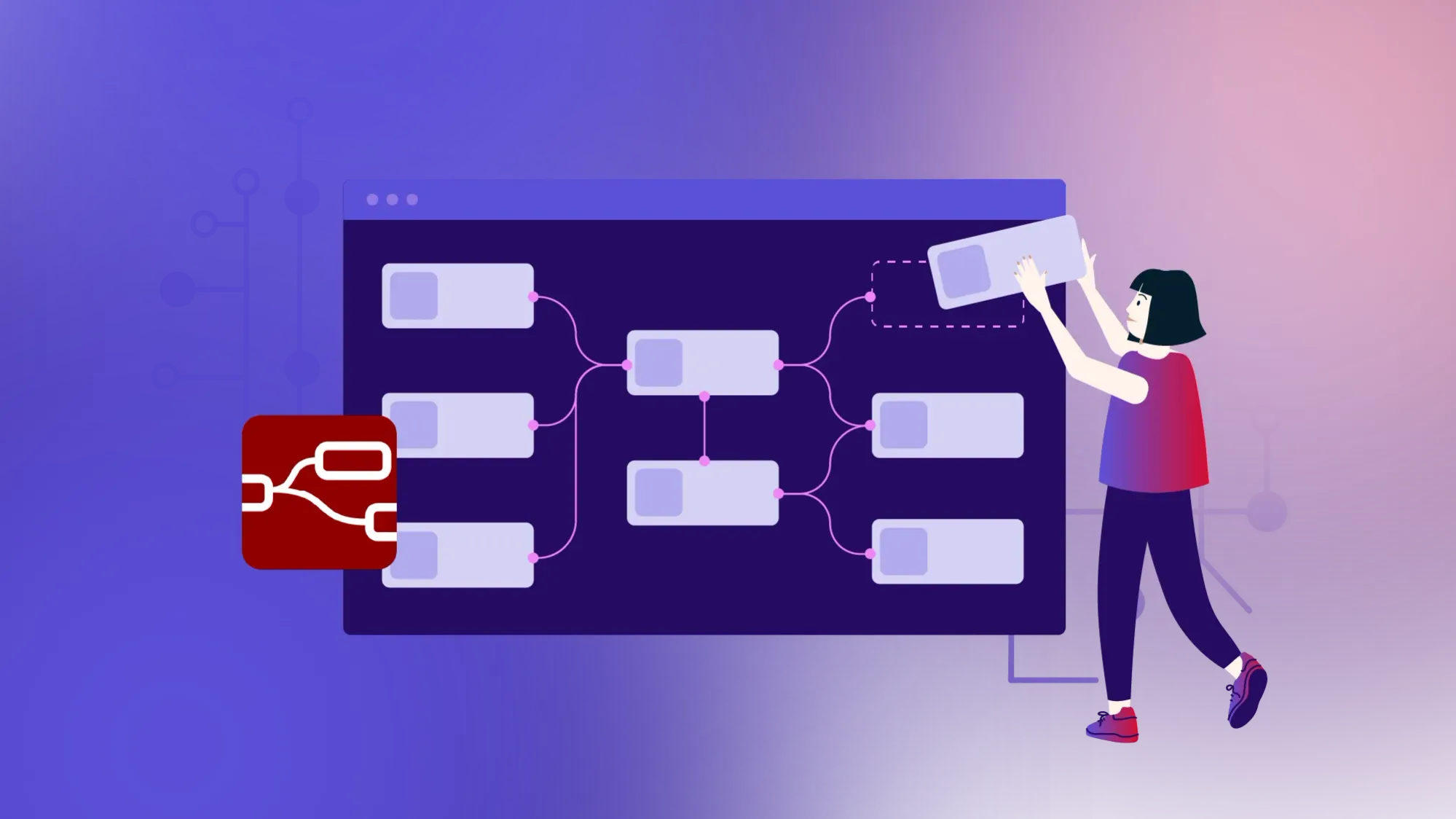
Node-RED is one of the most established open source tools in this category. It provides a browser-based visual editor for building event-driven applications by connecting nodes into flows. Created for wiring together hardware devices, APIs, and online services, Node-RED is now used in home automation, IoT, industrial environments, internal tooling, monitoring, and lightweight integration projects. Its goal is to help users collect, transform, and visualize data while keeping the development process accessible to people with different technical backgrounds.
Node-RED project information
Name: Node-RED
URL: https://nodered.org/
License: Apache 2.0
Documentation: https://nodered.org/docs/
First release: 2013
Latest version: 5.0.1
Runtime platform: Node.js
Project home: OpenJS Foundation
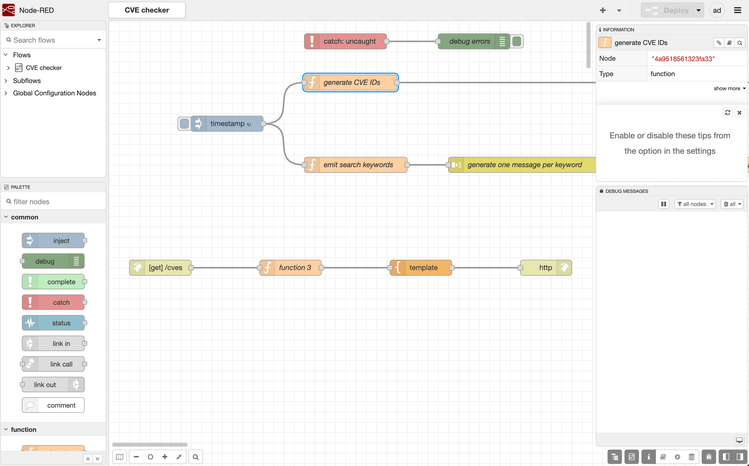
Flow-Based Programming in the Browser
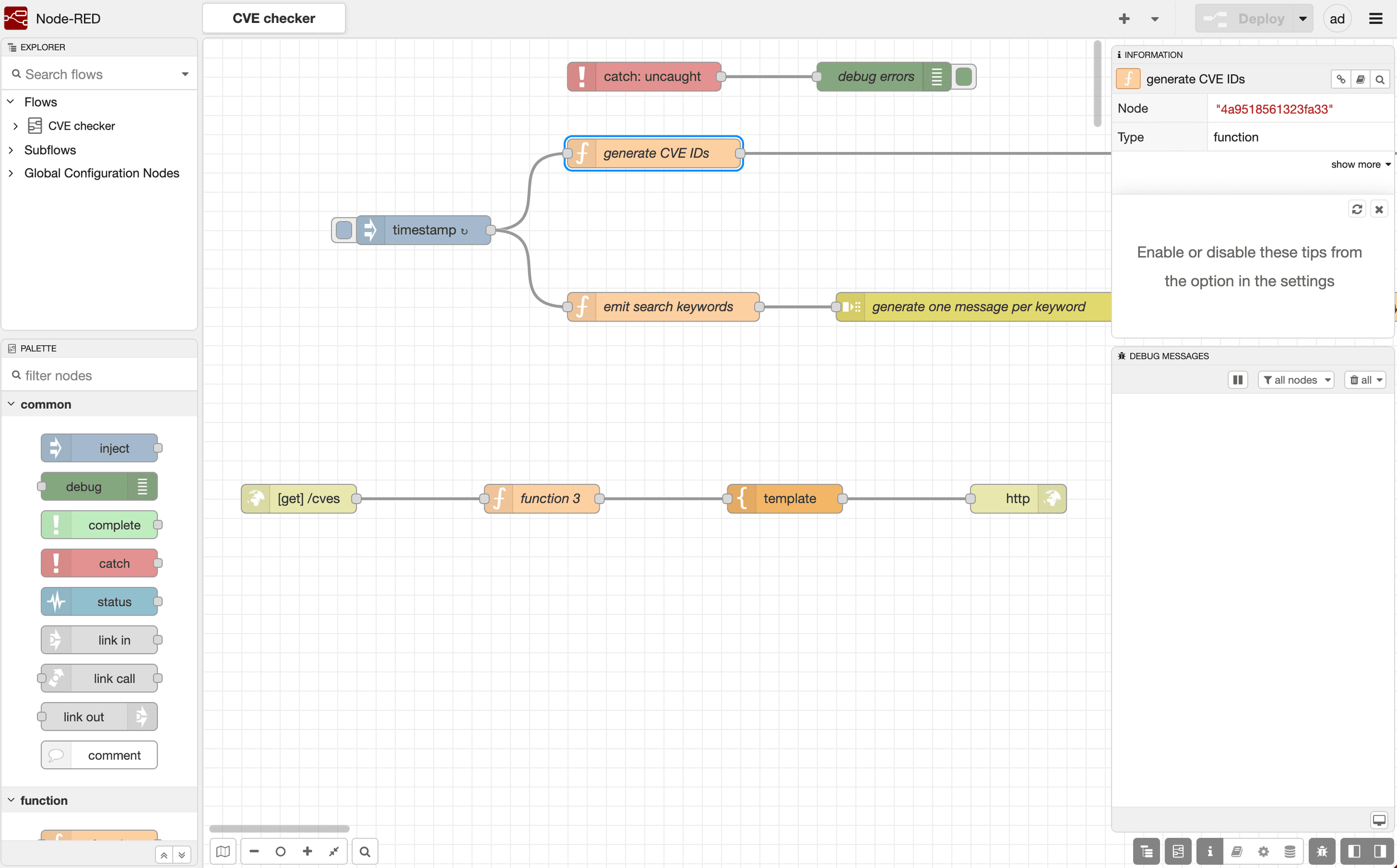
Node-RED's main interface is a web-based flow editor. Instead of writing a complete application from scratch, users drag nodes onto a canvas and connect them with wires. Each node performs a specific task: receiving an HTTP request, subscribing to an MQTT topic, reading from a file, transforming JSON, calling an API, sending an email, or writing data into a database.
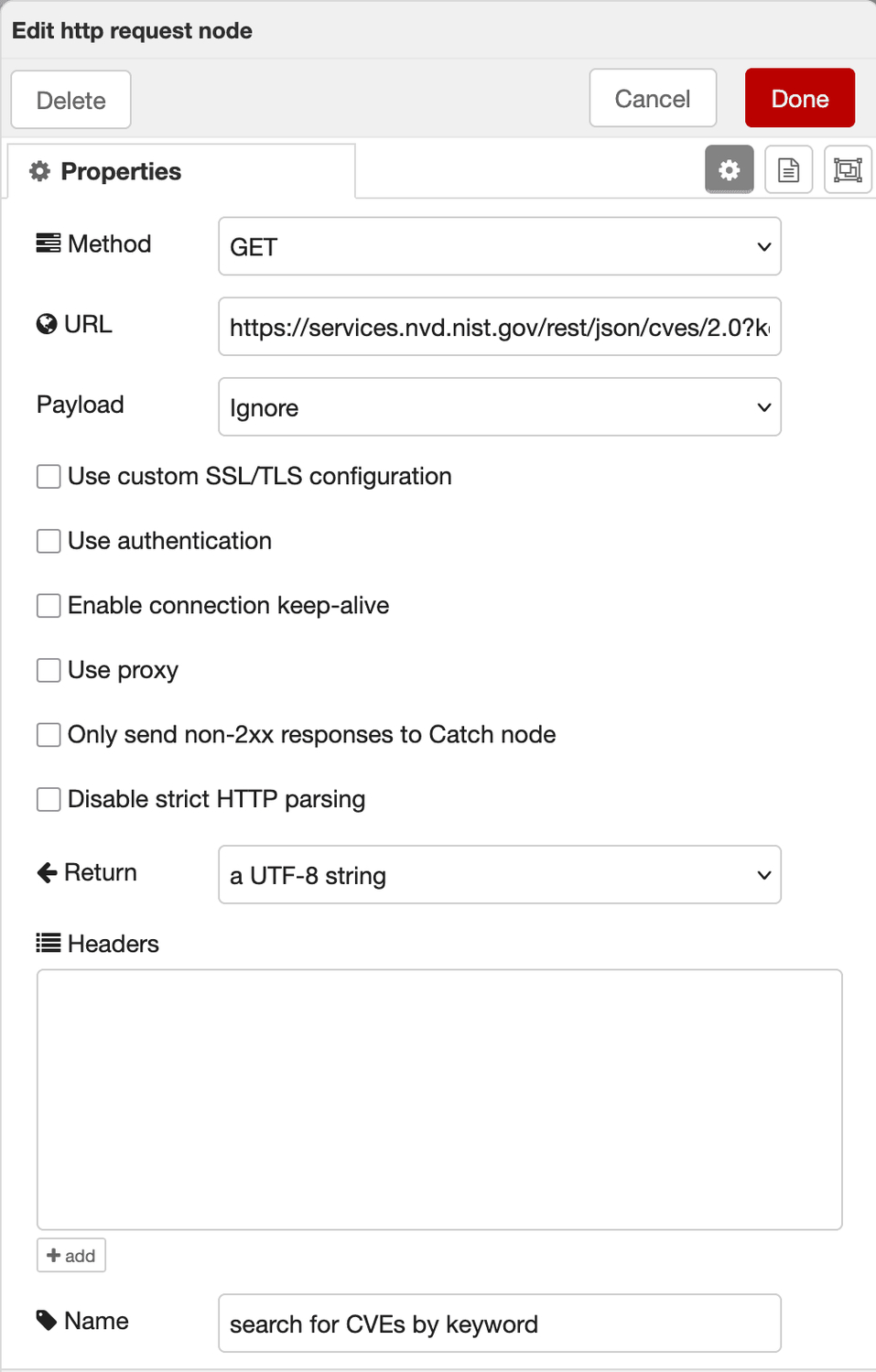
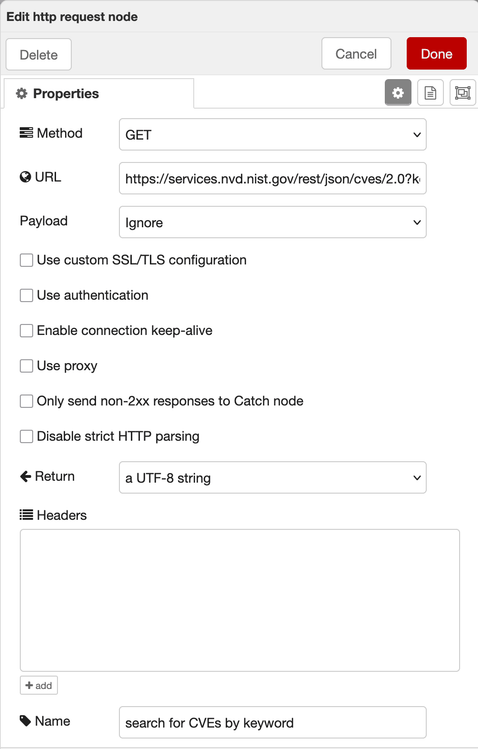
This model makes Node-RED especially useful for integration work. A flow can start with an incoming webhook, enrich the payload with data from another system, apply some JavaScript logic, and forward the result to a dashboard, queue, or external service. For many operational automations, this is faster and easier to understand than building a custom application.
The visual model also helps teams document their own systems. A well-designed flow shows how data moves between services. That makes it easier for a colleague to understand what happens when a sensor reports a value, a ticket is created, or a webhook arrives from a third-party platform.
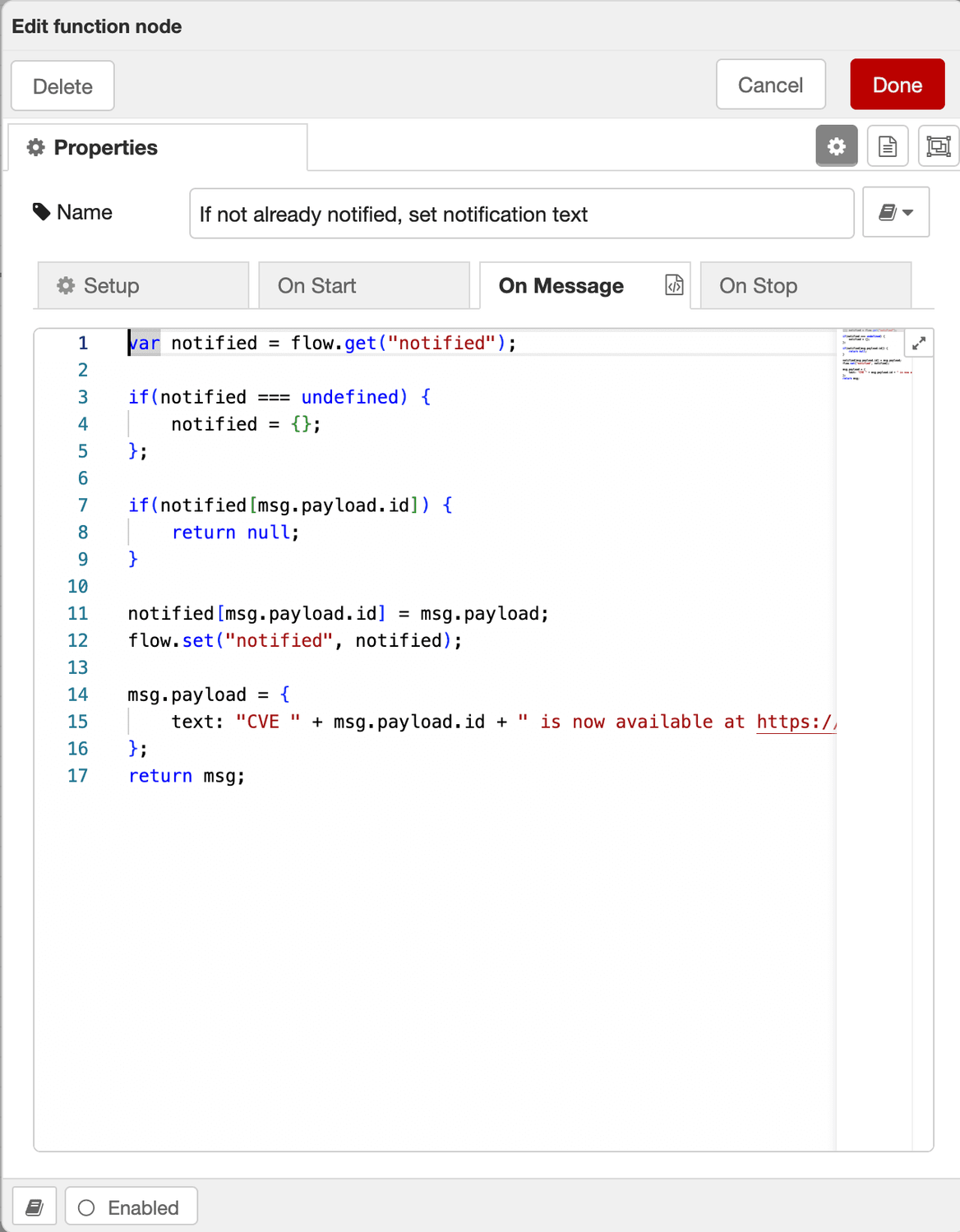
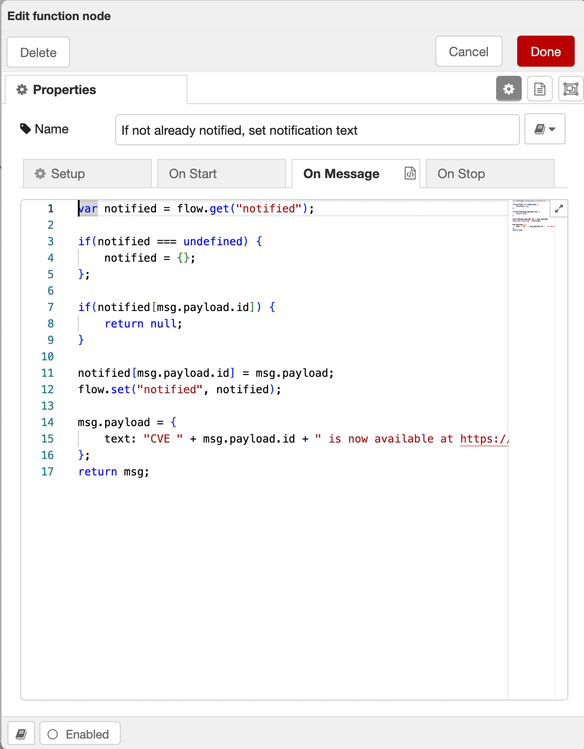
Node-RED is still programmable where needed. Function nodes allow users to write JavaScript for custom logic, and flows themselves are stored as JSON. This means Node-RED sits somewhere between no-code tools and traditional software development: approachable for non-specialists, but flexible enough for developers.
A Large Ecosystem of Nodes
One of Node-RED's strongest features is its ecosystem. The default installation includes useful core nodes for common tasks, but the real value lies in the large library of community-contributed nodes. These extend Node-RED with integrations for databases, cloud APIs, messaging systems, hardware devices, home automation platforms, industrial protocols, and visualization tools.
This makes Node-RED attractive for mixed environments. A small team can connect MQTT messages from devices, REST APIs from SaaS products, and database writes from internal systems without building and maintaining a full integration platform. In home automation, Node-RED is often used together with tools like Home Assistant. In industrial or edge environments, it can run close to machines and sensors to process events locally before forwarding selected data upstream.
However, this ecosystem also requires care. Community nodes are software dependencies and should be treated like any other package. Before using a node in production, administrators should check whether it is maintained, has access to sensitive data, and meets the environment’s security requirements. Research into Node-RED node behavior has also highlighted risks around hidden information flows in third-party nodes, which is especially relevant in IoT and automation environments where sensitive or operational data may be involved.

Install Node-RED on Hetzner Cloud
This guide shows you how to install Node-RED using Docker.
Multi-tenancy and Team Usage
Multi-tenancy is one of the most important areas to evaluate before adopting Node-RED for a team, customer platform, or shared internal service. A basic Node-RED instance is best understood as one runtime with one editor and one set of flows. While the editor can be protected with authentication, and multiple users can be configured with different permissions, this does not automatically turn a single Node-RED instance into a fully isolated multi-tenant platform.
In many business applications, multi-tenancy means that different users, teams, or customers can share the same platform while their data, permissions, runtime behavior, and configuration stay separated. Node-RED by itself is not designed around that model. If several users work inside the same instance, they are usually working on the same flow environment. That can be perfectly fine for a small, trusted operations team, but it is not the same as giving each customer or department its own isolated workspace.
For stronger separation, the safer pattern is to run separate Node-RED instances per tenant, team, environment, or customer. Each instance can then have its own flows, credentials, runtime configuration, network access, and backup process. This model is easier to reason about from a security perspective, but it also increases operational overhead. Administrators need to manage instance provisioning, updates, monitoring, storage, and authentication across multiple runtimes.
Deployment and Operations
Node-RED can be installed with npm, run in a container, or deployed as part of a larger system. For production use, administrators should think beyond the first installation. Node-RED stores flows and credentials that may be critical to business operations. These files need backups. The editor should not be exposed directly to the Internet without proper authentication and HTTPS. Credentials, API keys, and tokens should be handled carefully, especially when multiple users have access to the editor.
The release of Node-RED 5.0 introduced a major editor refresh and raised the minimum runtime requirement to Node.js 22.9 or later. This is important for existing installations, because upgrades may require changes to the underlying operating system, container image, or Node.js runtime before Node-RED itself can be updated.
Teams should also separate development and production flows where possible. It is easy to make changes directly in the visual editor, but that convenience can become a risk if production automations are edited without review or rollback planning. Exporting flows, using version control, and documenting critical automations are recommended practices for serious use.
For smart home and edge automation, running it locally on a Raspberry Pi, mini PC, or home server is usually the best fit because it provides direct hardware access, keeps data inside the local network, and can continue working when the internet connection is unavailable. For learning, testing, or small personal flows, a local PC is often enough, although it is not suitable for automations that must run continuously. In business environments, a self-hosted cloud instance is often the better choice once Node-RED becomes a central integration or automation platform for webhooks, API orchestration, backend endpoints, multiple locations, or shared team usage. In short, local setups work best when Node-RED needs to stay close to devices, while cloud-hosted setups are usually better for continuous availability, external reachability, and integration workloads that span systems or sites.
Review and Outlook
Node-RED is a mature and practical low-code platform for event-driven automation. Its biggest strengths are simplicity, flexibility, a large ecosystem of integrations, and the ability to run close to the systems it connects. It is useful for developers, DevOps teams, makers, industrial engineers, and technically-minded operations teams who need automation without building a full custom application.
Its main weaknesses come from the same qualities that make it powerful. Visual flows can become hard to maintain if they grow without structure. Community nodes introduce supply-chain and security considerations. Production deployments require proper backups, authentication, monitoring, and upgrade discipline.
All in all, Node-RED is an excellent tool for connecting systems, automating workflows, and prototyping event-driven applications. For small teams, internal platforms, IoT projects, and edge automation, it offers a strong balance between accessibility and technical capability.


Sovereignty starts with hosting it yourself
Minimize risks. Control costs. Maximize data protection. Get started with self-hosting and Hetzner.