
File storage is one of the most common reasons teams start looking at self-hosted infrastructure. Documents, project files, customer data, contracts, exports, and internal knowledge often end up spread across commercial cloud drives, chat attachments, email inboxes, and local disks. This file sprawl, while convenient at first, will become difficult to control once compliance, data ownership, access permissions, and backup requirements become more important and once more teams grow and more and more members need to access those files.
Seafile is an open source file sync and share platform for teams that want to operate their own cloud storage system. It provides web-based file access, desktop and mobile sync clients, sharing links, team libraries, file previews, document collaboration, and optional enterprise features through a Professional Edition. For startups, agencies, associations, research groups, and DevOps-minded teams, Seafile is an alternative to established services like Dropbox, Google Drive, OneDrive, Nextcloud, or even SharePoint to a certain degree.
Project information:
Name: Seafile
License: AGPLv3 for server core, Apache 2.0 for Seahub web UI
Documentation: https://manual.seafile.com/
First Release: 2012
Current Release Line: 13.x
Editions: Community Edition and Professional Edition
Managed Version: Seafile Cloud
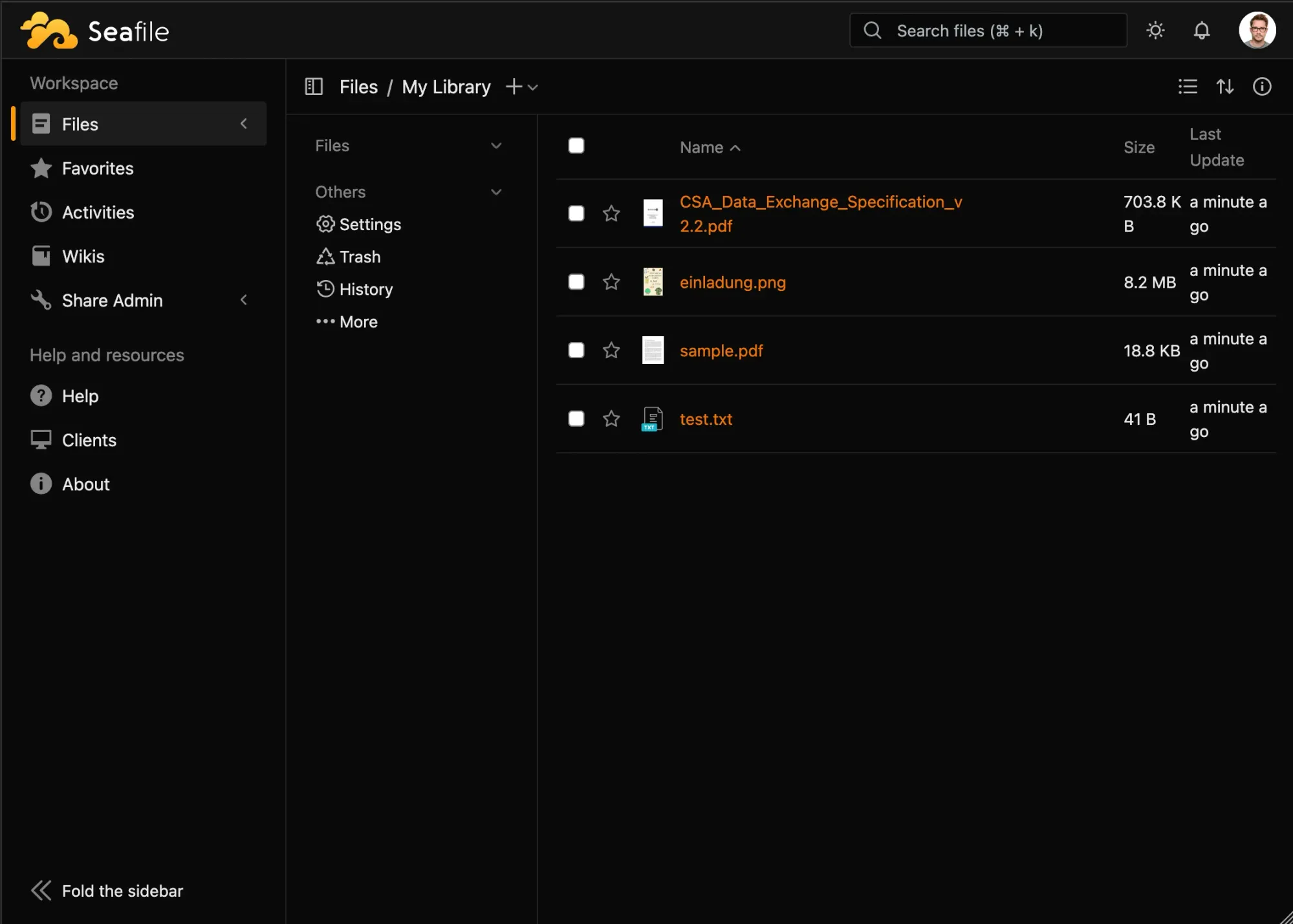
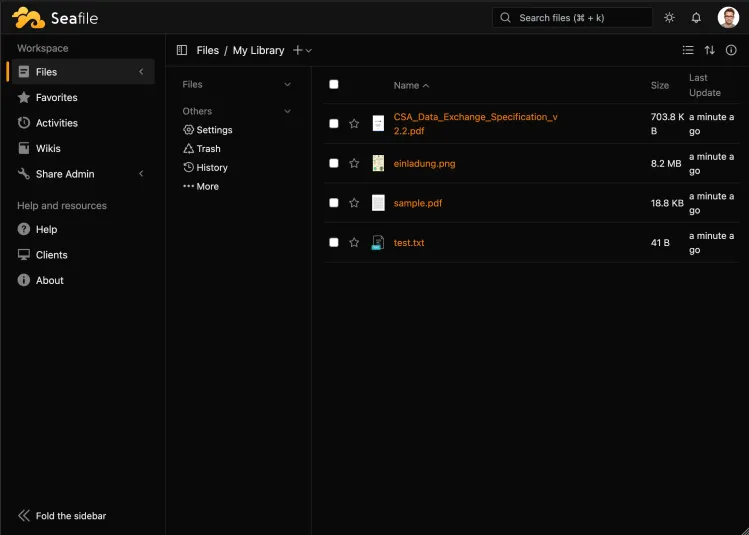
File Libraries Instead of One Large Drive
Seafile is organized around libraries. A library is a collection of files and folders that can be synchronized, shared, and encrypted independently and to which access can be granted individually, too. For teams, the library model can make it easier to separate customers, projects, departments, or data categories.
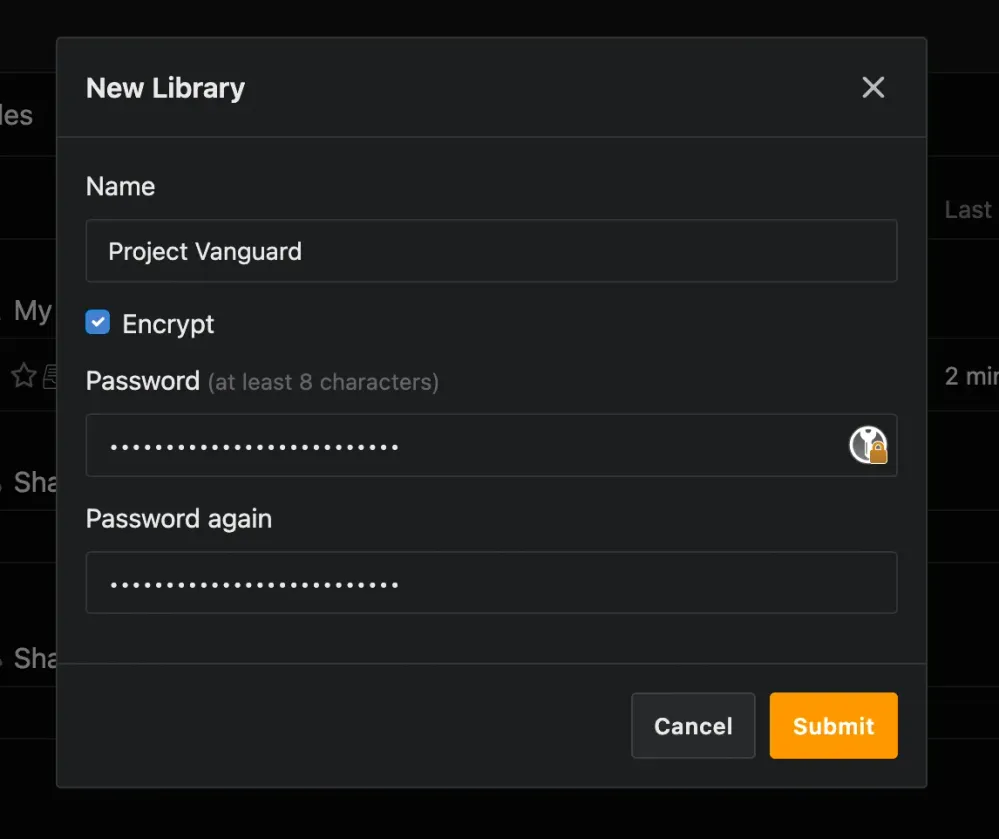
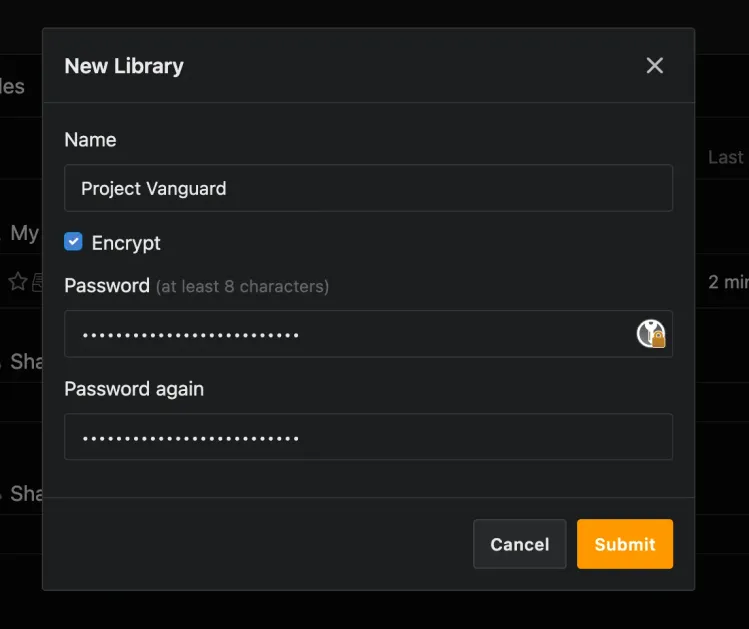
A user might have one library for internal documents, another for customer deliverables, and a third for shared project assets. Each library can be synchronized to a desktop client or accessed through the web interface. Users can also share libraries or folders with other users and groups, using read-only or read-write permissions.
This structure works well when files need to be shared across a team but not necessarily exposed to everyone. Instead of creating one large shared folder with complicated subfolder expectations, administrators can define libraries around actual work boundaries.
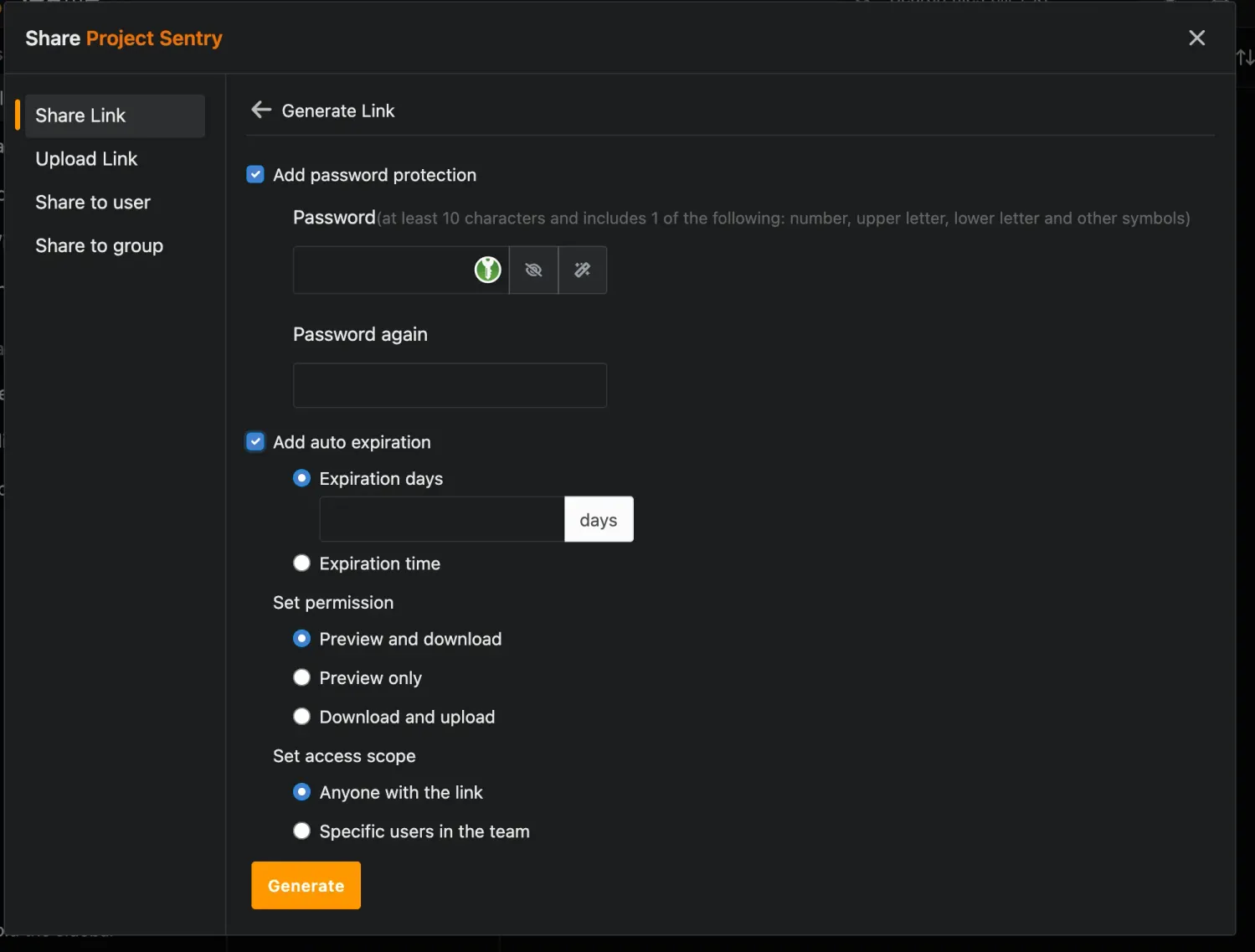
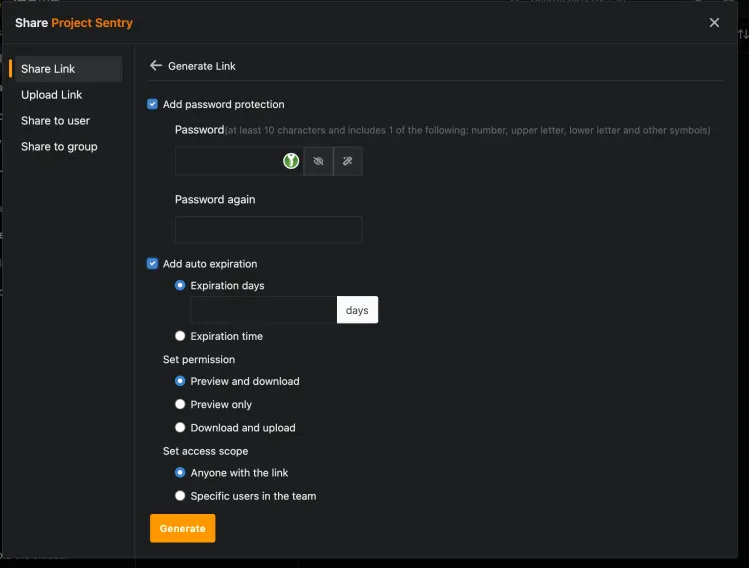
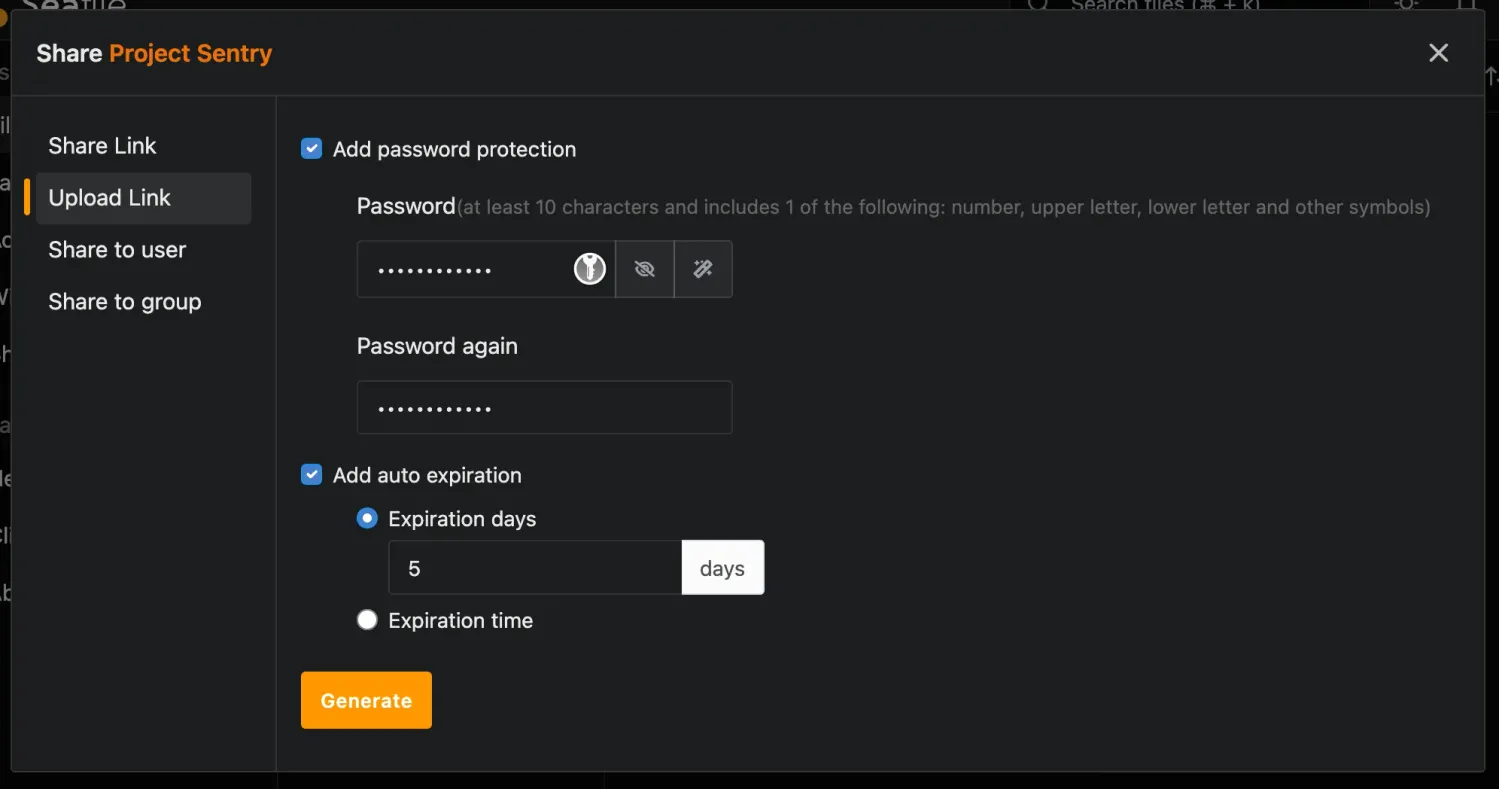
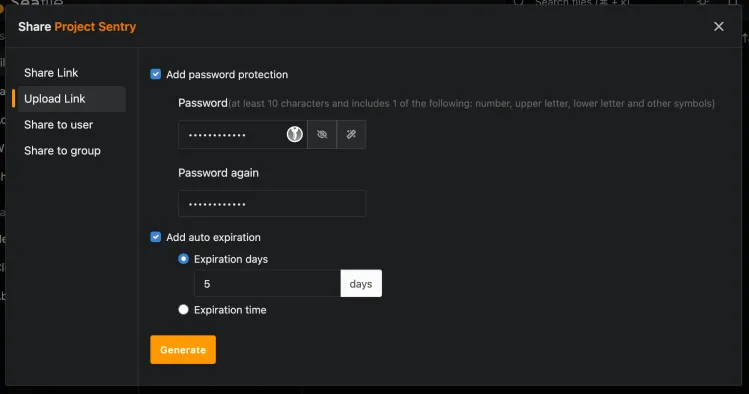
Seafile also supports share links with options such as password protection, expiration time, and access control. This is useful for external collaboration (e.g., when sending documents to a customer, partner, or contractor without creating a full user account). Seafile also allows for sharing upload links that you can share (e.g., with a customer to allow them to share certain files or full directories).
Fast Syncing and Desktop Access
One of Seafile's strongest features is its synchronization model. It has native desktop sync clients for Windows, macOS, and Linux as well as mobile clients for Android and iOS. The project emphasizes reliable file syncing as a core strength. For teams working with large project folders, this can be more important than having a large number of collaboration add-ons. The desktop sync client keeps selected libraries available locally. Users can work with files in their normal file manager, and changes are synchronized back to the server.
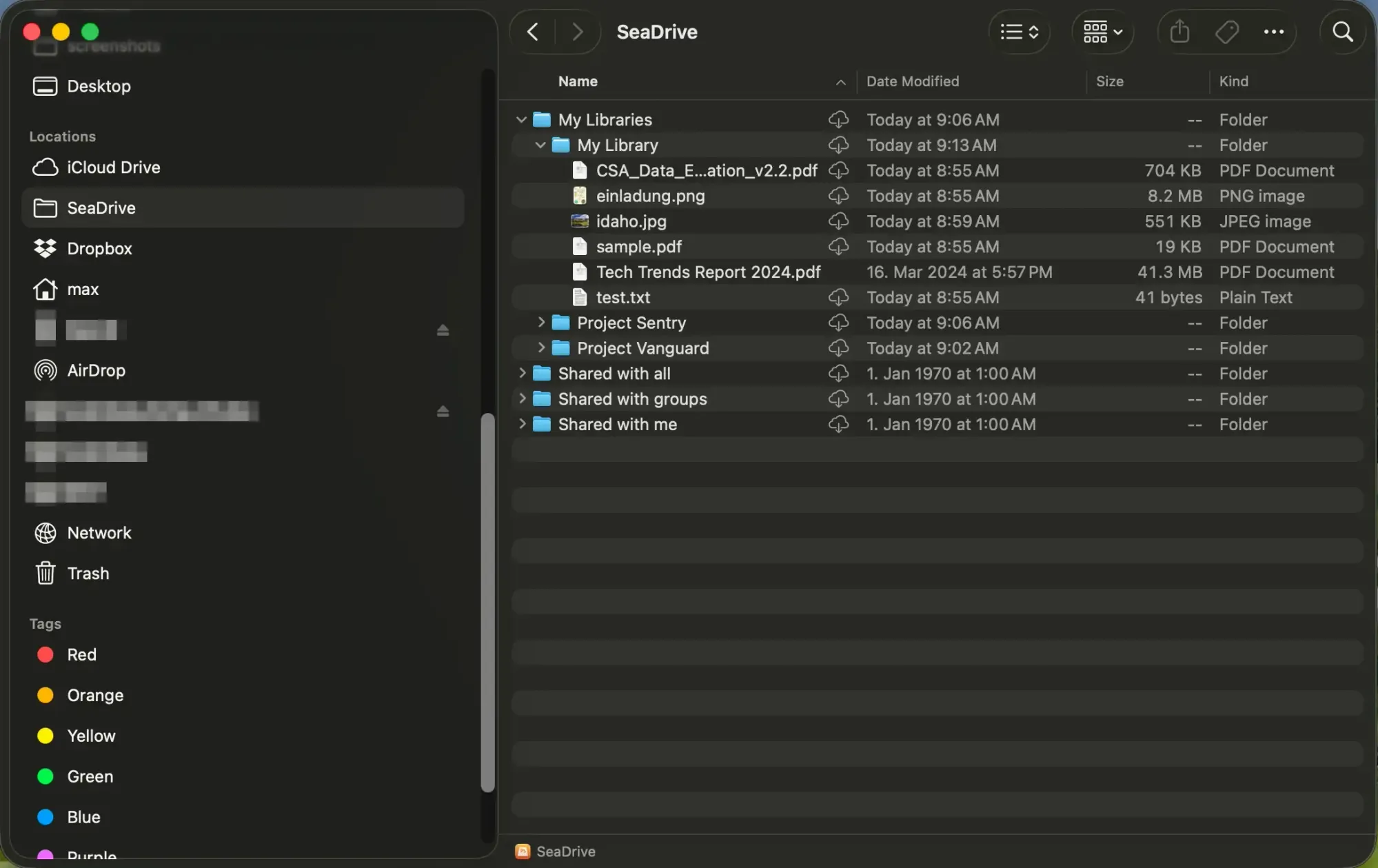
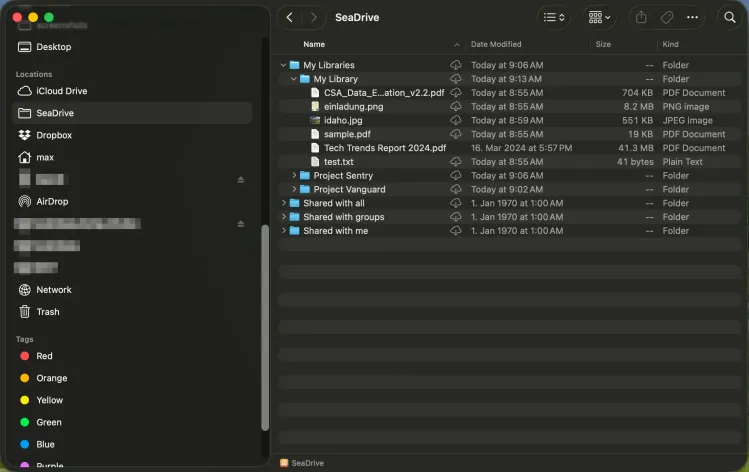
Seafile also provides SeaDrive, a virtual drive client. Instead of downloading everything to the local disk, SeaDrive presents cloud files through a local drive interface and downloads content on demand. This is useful for laptops with limited storage or teams with large archives that should be accessible but not fully synchronized to every machine.
For organizations evaluating Seafile, the distinction between sync and virtual drive access may be confusing at first, so we recommend a careful evaluation of each option. Some users need offline availability for active work while others need access to a large repository without storing all of it locally. Seafile supports both patterns, but the right client configuration depends on the team's workflow.
Collaboration and Document Workflows
Seafile is not only a file transport tool: The web interface allows users to upload, preview, edit, organize, and share files from a browser. For office documents, Seafile can integrate with Collabora Online or OnlyOffice. This allows teams to edit common document formats directly in the browser instead of downloading and re-uploading files. The Community Edition includes integrations with Collabora and OnlyOffice, while the Professional Edition adds more enterprise-oriented capabilities.
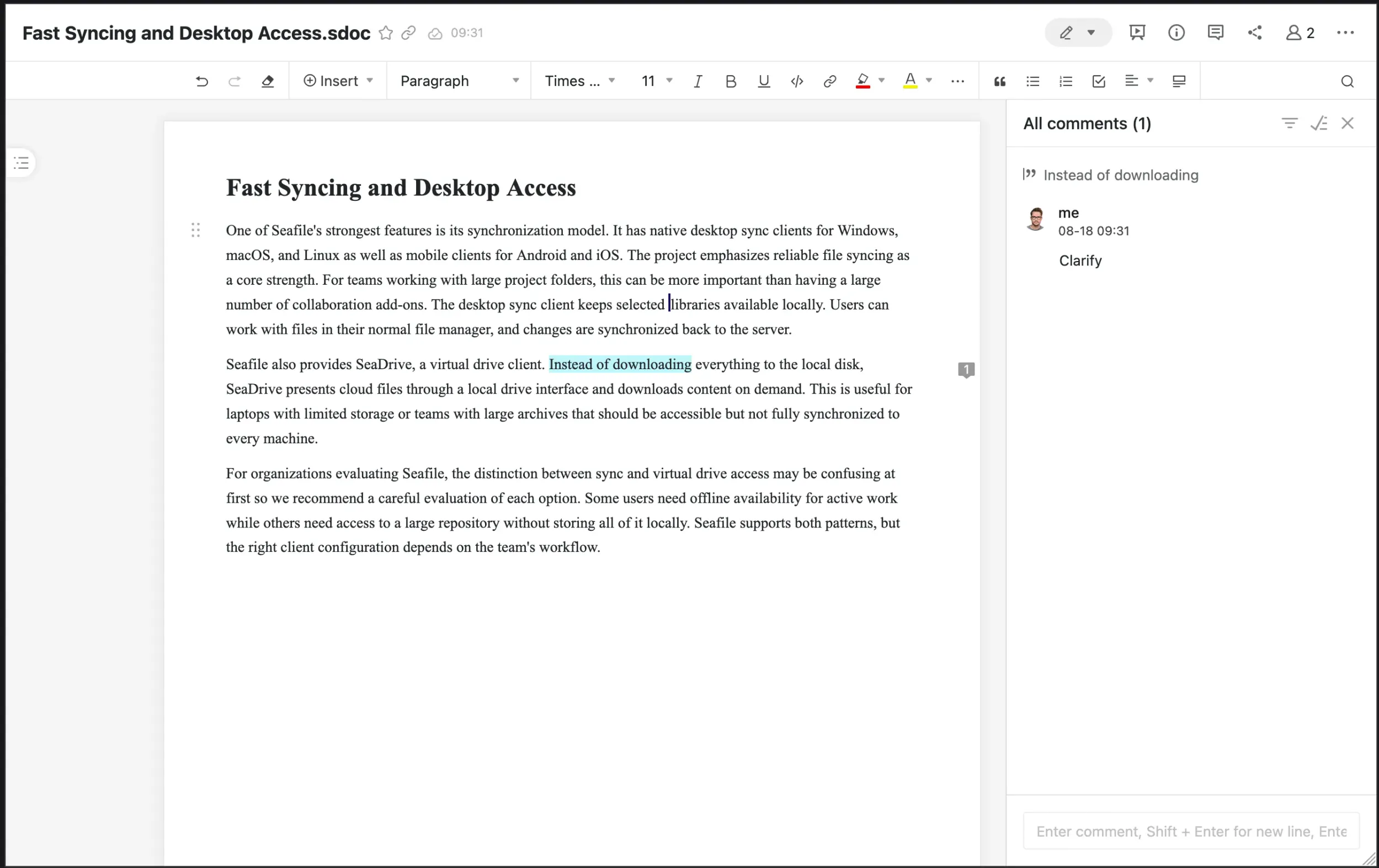
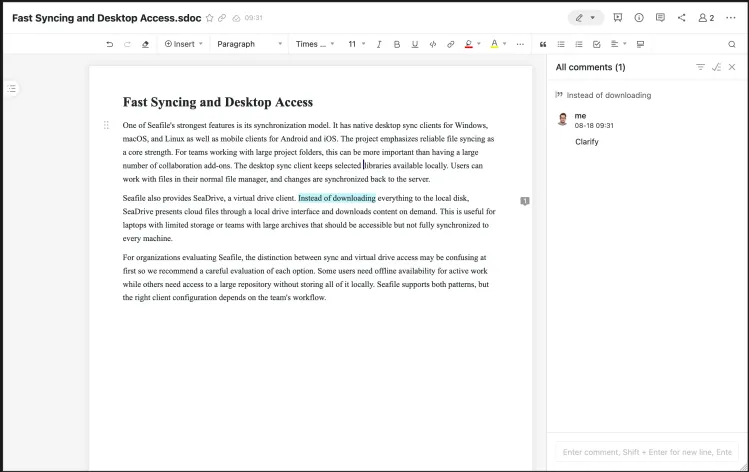
Seafile also includes SeaDoc, a lighter document collaboration tool aimed at notes, technical documentation, meeting notes, and wiki-style content. With SeaDoc, users can collaboratively edit documents in a manner similar to Google Docs or Microsoft Word Online. SeaDoc uses a custom, simple, JSON-based file format for SeaDoc files that can easily be inspected and integrated into custom tooling.
It is important to understand that the main value of Seafile is still file sync and sharing. Teams that primarily want calendars, chat, mail, Kanban boards, or a broad groupware platform may want to use additional systems for those use cases on top of Seafile. Teams that want controlled file access, reliable synchronization, and straightforward document collaboration are closer to Seafile's core use case.
Community Edition and Professional Edition
Seafile has two main editions: The Community Edition is free and open source. It includes the core syncing and sharing functionality and is a good fit for private users, small teams, and smaller organizations. The Professional Edition adds features intended for larger or more security-conscious deployments, such as antivirus integration, advanced search, storage back-end options, audit features, and other administration capabilities depending on the version and license.
This split should be reviewed before adoption. A team may start with the Community Edition and later discover that a required feature belongs to the Professional Edition. That is not necessarily a problem, but it should be part of the evaluation. For example, organizations with compliance requirements may care about audit logs, virus scanning, full-text search, single sign-on, or object storage support.
The Professional Edition can also be used without a license file for up to three users, which makes it easier to test enterprise features before buying a license.
Deployment and Operations
Seafile can be deployed on your own infrastructure, commonly with Docker. The official download page points users toward Seafile Docker images for server deployment. A typical production setup includes the Seafile services, a database, a reverse proxy, TLS certificates (that can be automatically managed by Caddy, which is deployed by default when using the Docker Compose files from the documentation), storage, and a backup strategy.
Administrators should think carefully about storage from the beginning: File platforms tend to grow continuously, and users often treat them as long-term archives. Storage capacity, snapshots, off-site backups, restore testing, and retention policies are therefore central operational topics.
Backups are especially important because Seafile is not just a folder on disk. Metadata, users, permissions, libraries, and file blocks must be backed up consistently. A backup strategy that only copies part of the system may not be enough for disaster recovery.
Security also needs attention. Public share links, user accounts, external collaborators, mobile clients, and desktop sync clients all increase the attack surface. HTTPS, strong authentication, careful permission design, and regular updates should be treated as production requirements. Administrators should think about their compliance requirements so that they can quickly find out which person has access to which data should that case arise at some point in the future.


Sovereignty starts with hosting it yourself.
Minimize risks. Control costs. Maximize data protection. Get started with self-hosting and Hetzner.
Review & Outlook
Seafile is a strong option for teams that mainly need reliable file synchronization, sharing, and self-hosted storage. Its library-based model, native clients, SeaDrive, web access, and document integrations make it practical for everyday business use.
Its biggest strengths are fast syncing, clear separation through libraries, good client support, and a focused feature set. Its main trade-offs are the Community/Professional edition split, the need to understand Seafile's storage and backup model, and the fact that it is less of a broad collaboration suite than platforms such as Nextcloud.
All in all, Seafile is a good fit for small and mid-sized teams that want control over their files without rebuilding an entire cloud office platform. For organizations that value data ownership, reliable sync, and a focused self-hosted file service, Seafile is one of the most mature options available.