Your photos back themselves up to the cloud. Your video calls run on US-based platforms. Your calendar follows you across devices and services. It is all convenient — until you start asking where your data actually lives, who can access it, and how easily you could move away from a provider when you need to.
The answer is uncomfortable: you are not fully in control. That is where digital sovereignty comes in. At its core, digital sovereignty is about making deliberate choices about your data, your software, and the infrastructure behind it. The more control you keep over those decisions, the more independent you become.
Self-hosting is one practical way to move in that direction. Instead of relying entirely on external platforms, you run the services you need yourself. And if you want that independence to extend beyond infrastructure, open source software is the natural next step.
What does self-hosting mean?
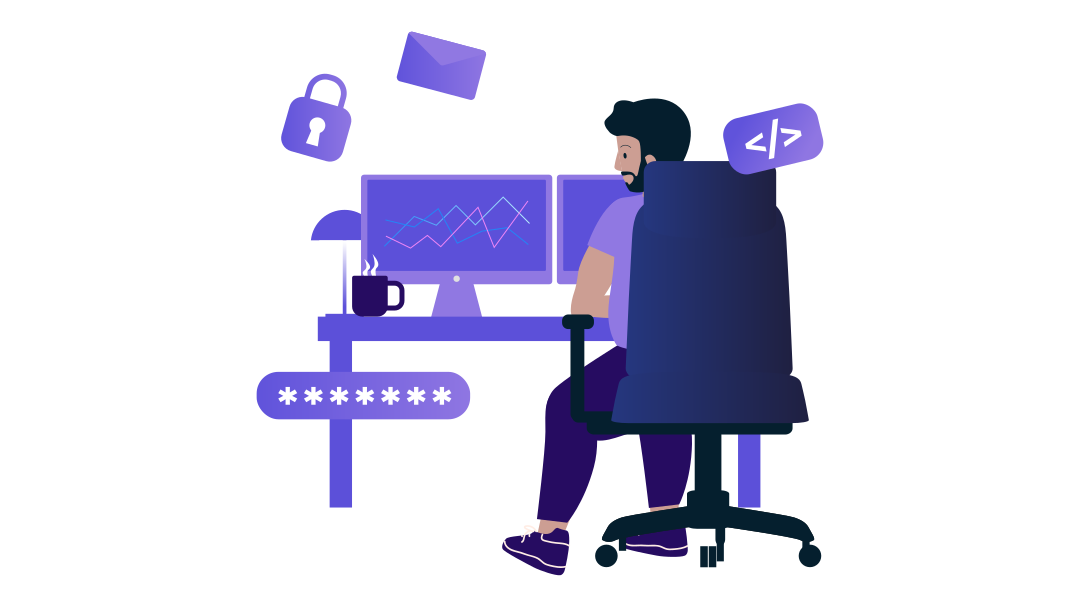
At its core, self-hosting means running services on servers you control. Those servers can sit in your home, in your office, or in a data center. The location matters less than who actually runs your system: you manage the service yourself instead of handing it over to a third-party provider.
In principle, you can self-host almost anything that also exists as software as a service (SaaS): cloud storage, apps, VPNs, websites, or office tools. Many people also self-host a media server in their home network that stores their favorite shows and movies.
The limits of what you can do depend on your IT skills, your requirements, your creativity — and, of course, your budget.
That leaves one obvious question: if you can get the same services with just a few clicks, why take care of them yourself?
Who really benefits from self-hosting – and who doesn't
Benefits: control and data sovereignty
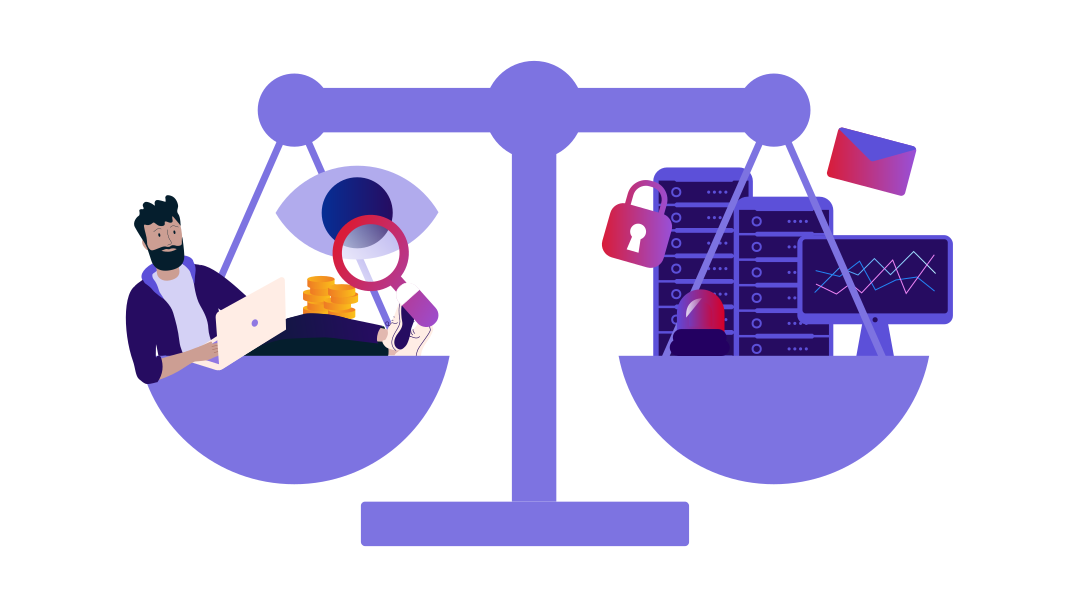
The biggest advantage of self-hosting is control. You become less dependent on the business strategies of large tech companies. When a provider suddenly removes features or changes its privacy terms, you usually have only three options: accept it, migrate, or cancel. And once switching becomes too complex, too expensive, or too disruptive, you are already locked in.
With self-hosting, you decide which applications run and who gets access to what. Just as important: you decide where your data lives. You do not have to wonder who might access it — or, in the worst case, sell it.
Beyond that, self-hosting can simply be fun. If you are interested in technology, it teaches you how servers, applications, and security structures actually work. The nice side effect: you run services that fit your own needs.
Self-hosting does not mean eliminating every dependency. It means choosing your dependencies more deliberately.
Challenge: more responsibility
More freedom also means more responsibility. When you self-host, you take care of updates, security, backups, and the technical setup of your services.
For simple projects, such as a personal cloud or a small VPN, you can often get started quickly. More complex systems are a different story. If you want to run your own mail server or a large team platform, you may hit a wall quickly as a beginner.
If you want maximum convenience with minimal effort, and you do not have much technical interest, a ready-to-use cloud storage service or another fully managed solution will usually serve you better.
More independence with open source
If you want to avoid subscription lock-in and reduce your dependence on a few major providers, you need alternatives. Open source is one of them.
With open source software, the source code is publicly available. Technically experienced users and developers can see how an application works under the hood. Many larger projects also have active communities behind them. They fix bugs, develop new features, and improve the software over many years. That means you do not depend solely on the decisions of a single provider. Open source creates transparency and makes you less dependent on individual companies or platforms.
Another advantage: Many open source programs are free to use. This already starts with the operating system. A well-known example is Linux distributions: Depending on your level of experience and intended use, you can find a suitable option. A distribution is a preconfigured system that includes the Linux kernel, basic system tools, package management, and often preinstalled software. For many common use cases, strong open source alternatives to well-known commercial products already exist: from simple note-taking apps and personal websites to team tools and self-hosted AI services. The list is long.
You can find an overview of popular open source software for self-hosting at OpenAlternative.
An easy start with one-click apps
If you are just starting your self-hosting journey, you do not have to jump straight into the deep end. Some services require a lot of experience and careful configuration. But for your first project, there are much easier ways to get started. For just a few euros per month, you can run a cloud server with enough CPU cores, RAM, and storage for most smaller projects.
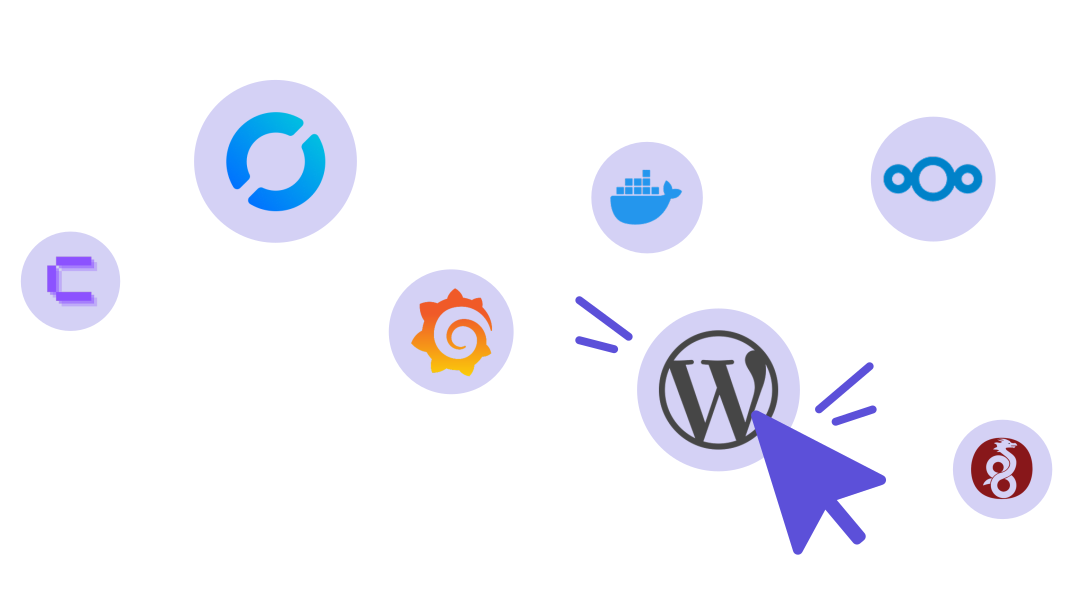
Many cloud providers, including Hetzner, offer preconfigured one-click apps that you can install on your cloud server in just a few clicks. These apps handle most of the basic setup for you and install software such as Nextcloud, WordPress, WireGuard, or Coolify directly on your server. That lets you get started right away, gain hands-on experience, and develop a better feel for how self-hosting works.
Nextcloud: your own cloud storage
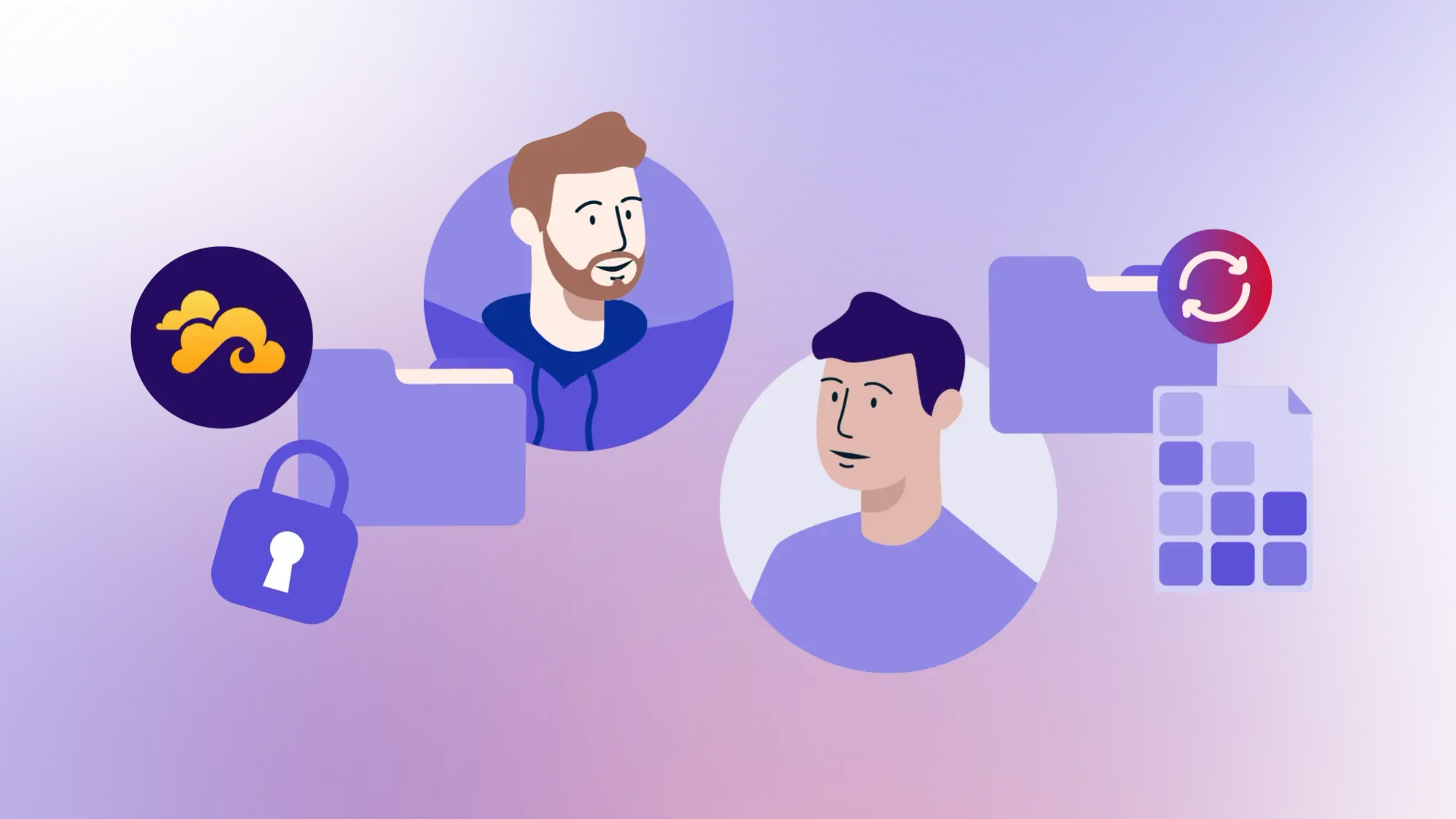
With Nextcloud, you can build your own cloud. The software works as a central file storage platform and can be extended with various collaboration tools. It is useful not only for private files, but also for shared team projects. The community version does not require license fees, and you decide where your data lives. How much storage you have depends on the server you run Nextcloud on.
A quick tip: with Storage Share, we offer a Nextcloud-based solution that is especially easy to set up.
WireGuard: your own VPN
WireGuard is a proven, modern VPN protocol. A VPN, or virtual private network, creates a private tunnel through a public network. You can use it to securely access your home network, protect your traffic on public Wi-Fi, or connect multiple locations. For businesses, a VPN is essential — for example, for remote access from home offices or for making internal services available without exposing them to the public internet.
WordPress: multiple services in one place
If you have ever run a website or blog, you have probably come across WordPress. This content management system, or CMS, is one of the most popular tools in this space. With the right extensions, you can also use it to build online stores or larger web projects.
Coolify: multiple services in one place
If you want to run several services on one server, Coolify is a practical option. It helps you deploy and manage apps without installing every service completely by hand. You choose what you want to run, and Coolify handles a large part of the setup. You still need some technical understanding, but it makes the entry point noticeably easier.
Self-hosting does not mean eliminating every dependency. It means choosing your dependencies more deliberately.
'/%3e%3cdefs%3e%3clinearGradient%20id='paint0_linear_2385_12941'%20x1='0.699951'%20y1='14.82'%20x2='37.3'%20y2='14.82'%20gradientUnits='userSpaceOnUse'%3e%3cstop%20stop-color='%235C50D9'/%3e%3cstop%20offset='1'%20stop-color='%23D50C2D'/%3e%3c/linearGradient%3e%3c/defs%3e%3c/svg%3e)
Host at home or use a cloud server?
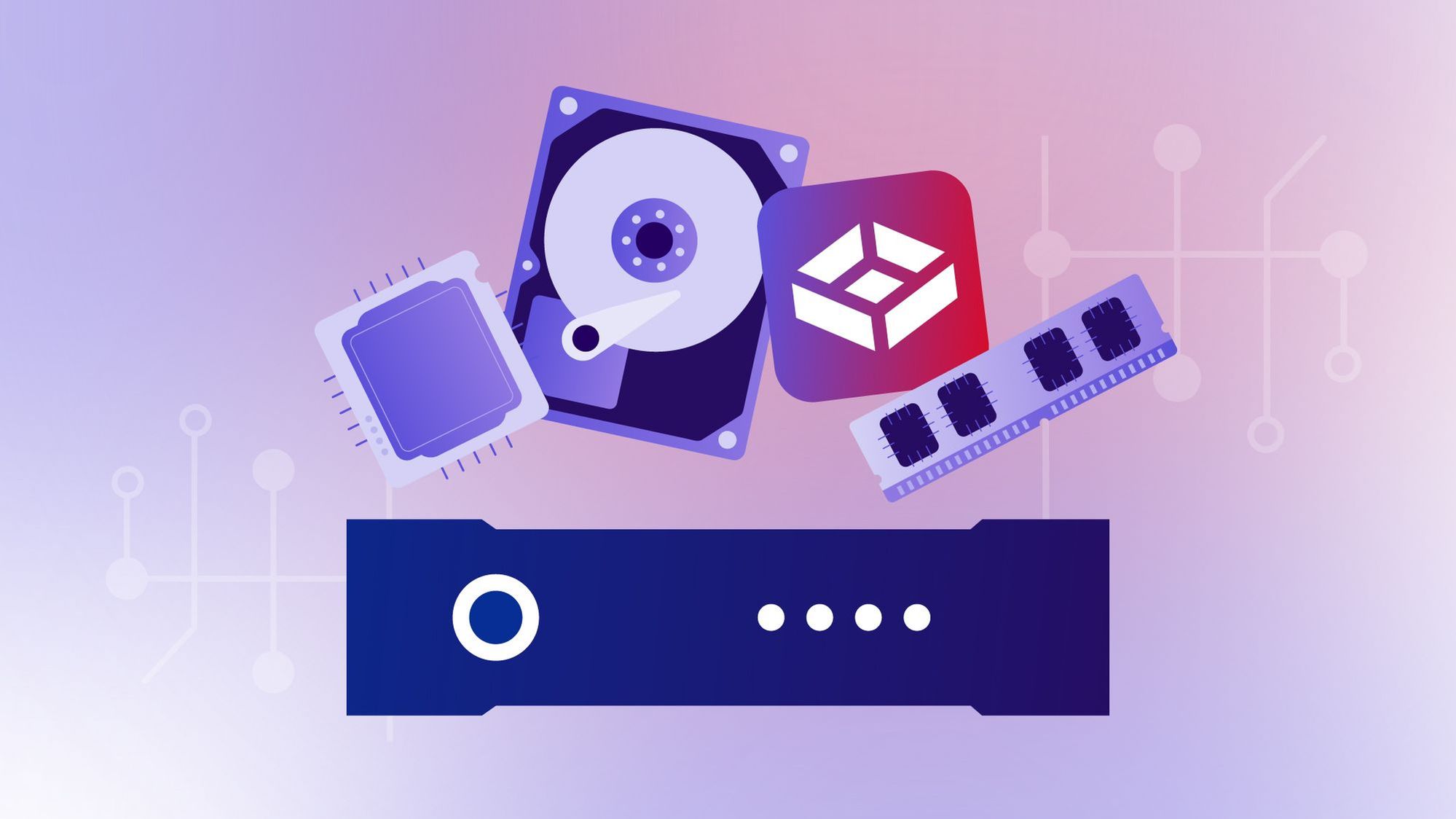
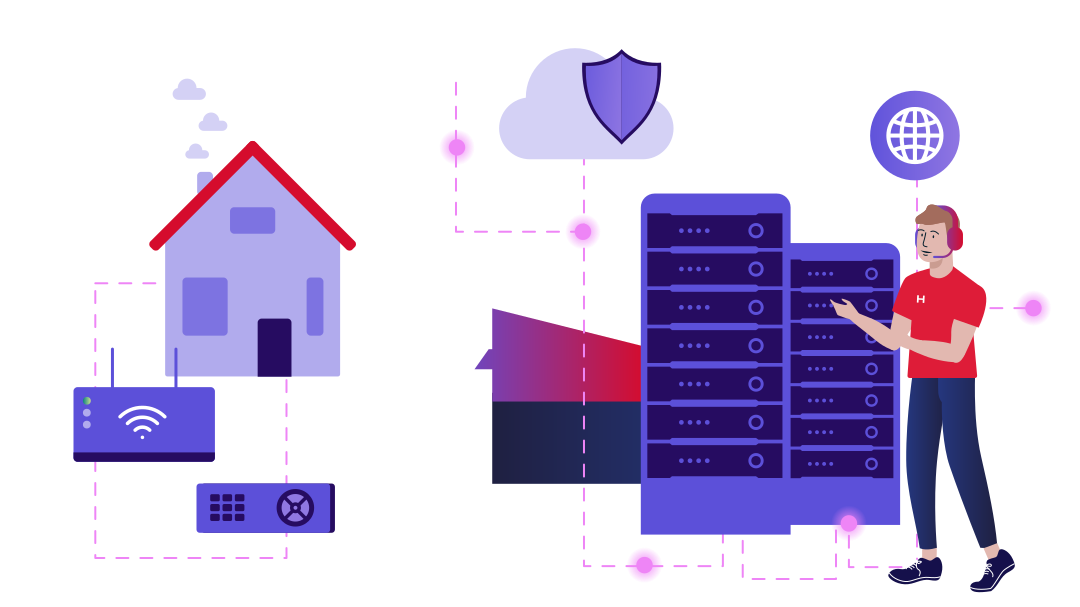
In general, you have two options: you can run your services physically located in your home or office, also known as on-premises hosting, or you can use servers in a data center. On-premises hosting works especially well for private, small, or local projects, such as a personal Nextcloud instance. A Raspberry Pi or mini PC is often enough for this. In principle, any computer can act as a server as long as you configure it correctly. But the server needs to run continuously, so you should keep power costs in mind.
A data center becomes more attractive when reliability, bandwidth, and public accessibility matter. Professional infrastructure offers redundant power, cooling, network connectivity, and security systems. For you, that means less effort around hardware, cooling, networking, and power supply. You still remain responsible for the software, updates, security, and backups.
Your first steps into self-hosting
Self-hosting is a step toward greater digital sovereignty. It gives you more control over your infrastructure, your applications, and your data. If you want more independence, you also take on more responsibility — for setup, configuration, and a security concept that fits your use case.
Does that sound like work? Yes, self-hosting involves more work and responsibility than fully managed options. But modern tools, one-click apps, and an active open source community make getting started easier than ever. You do not have to do everything perfectly from day one. Start small — with Nextcloud or a WireGuard VPN. What matters most is that you just get started.
Self-hosting means gaining more control over tools, services, and dependencies you rely on. You decide which solutions fit your needs instead of fully adapting to the rules of individual providers. At the same time, you build knowledge, strengthen your technical skills, and make your digital infrastructure more independent.


One-click to full controll
One-click apps are the perfect start for self-hosting.